
25 March 2026
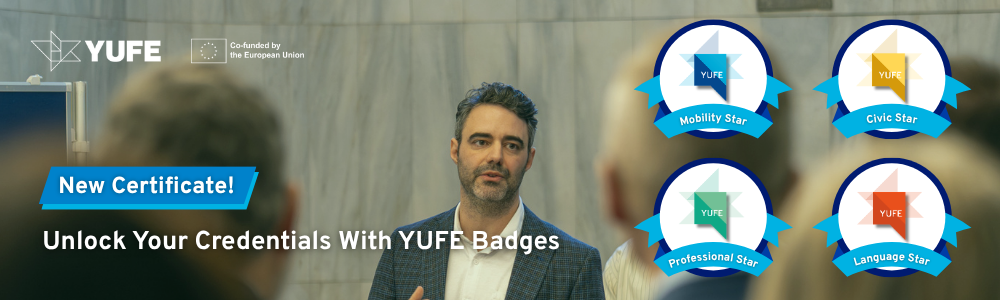
At YUFE, we believe your achievements should be as mobile and dynamic as you are. That’s why we are excited to introduce YUFE Badges: A digital enhancement to the traditional certificates you earn throughout your journey in our alliance.
These badges don’t replace your physical documents; they amplify them. Whether you’ve earned an OpenYUFE certificate, a Participation certificate, or reached the heights of the YUFE Stars, you can now showcase those milestones instantly to the world.
What are YUFE Badges?
Think of an YUFE Badge as a “smart” version of your certificate. While a PDF or a paper printout stays in your files, an Open Badge is a digital credential that lives online.
Each badge contains secure, embedded data that proves:
- Who issued it (The YUFE Alliance).
- How you earned it: the specific criteria.
- What you have learnt: in the case of YUFE Stars, skills and attitudes you have gained.
- When it was issued.
Why Use YUFE Badges?
- Instant Verification: One click allows a future employer or internship coordinator to see the authenticity of your YUFE journey.
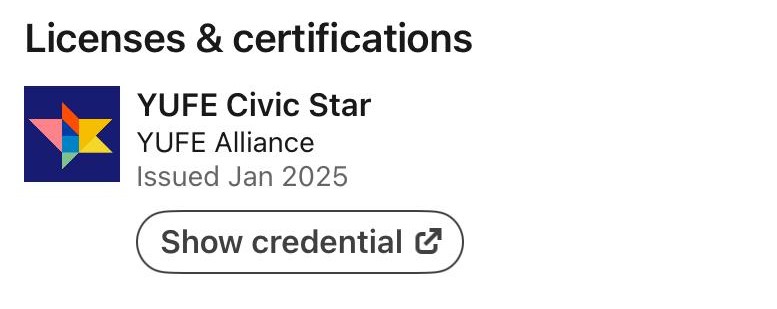
- Social Sharing: Proud of your new YUFE Star? Share it directly to your LinkedIn feed or X profile to let your professional network know about your international experience.
- A Complete Narrative: Together, these badges create a visual story of your time at YUFE, capturing both your formal academic success and your personal growth.
How to Claim Yours
When you earn a qualifying YUFE Reward, you will receive an invitation by email to claim your badge. From there, you can push it to your digital backpack and share it across your professional networks.
Unlock Your Digital Credentials: The YUFE Badge Manual
To help you navigate to verifiable YUFE Badges, we have published a comprehensive Recipient Manual. This guide is designed to ensure you can easily claim, store, and share your achievements—including your OpenYUFE certificate, Participation certificates, and YUFE Stars.
What you will find in this guide:
- Step-by-step instructions on setting up your free account in the Open Badge Passport.
- Pro-tips on why you should always use a personal email address to ensure lifelong access to your badges.
- A “How-To” for social media, showing you exactly how to add your YUFE achievements to your LinkedIn profile or email signature.
- Troubleshooting support for common issues like missing notification emails or account verification.